> ## Documentation Index
> Fetch the complete documentation index at: https://liaobots.mintlify.site/llms.txt
> Use this file to discover all available pages before exploring further.
# Aggregation Site
> The aggregation site integrates all the most mainstream cutting-edge models currently available, featuring 4 major sections: AI chat, drawing, AI Agent, and news, providing rich experiences for users with various needs
### Chat & Models
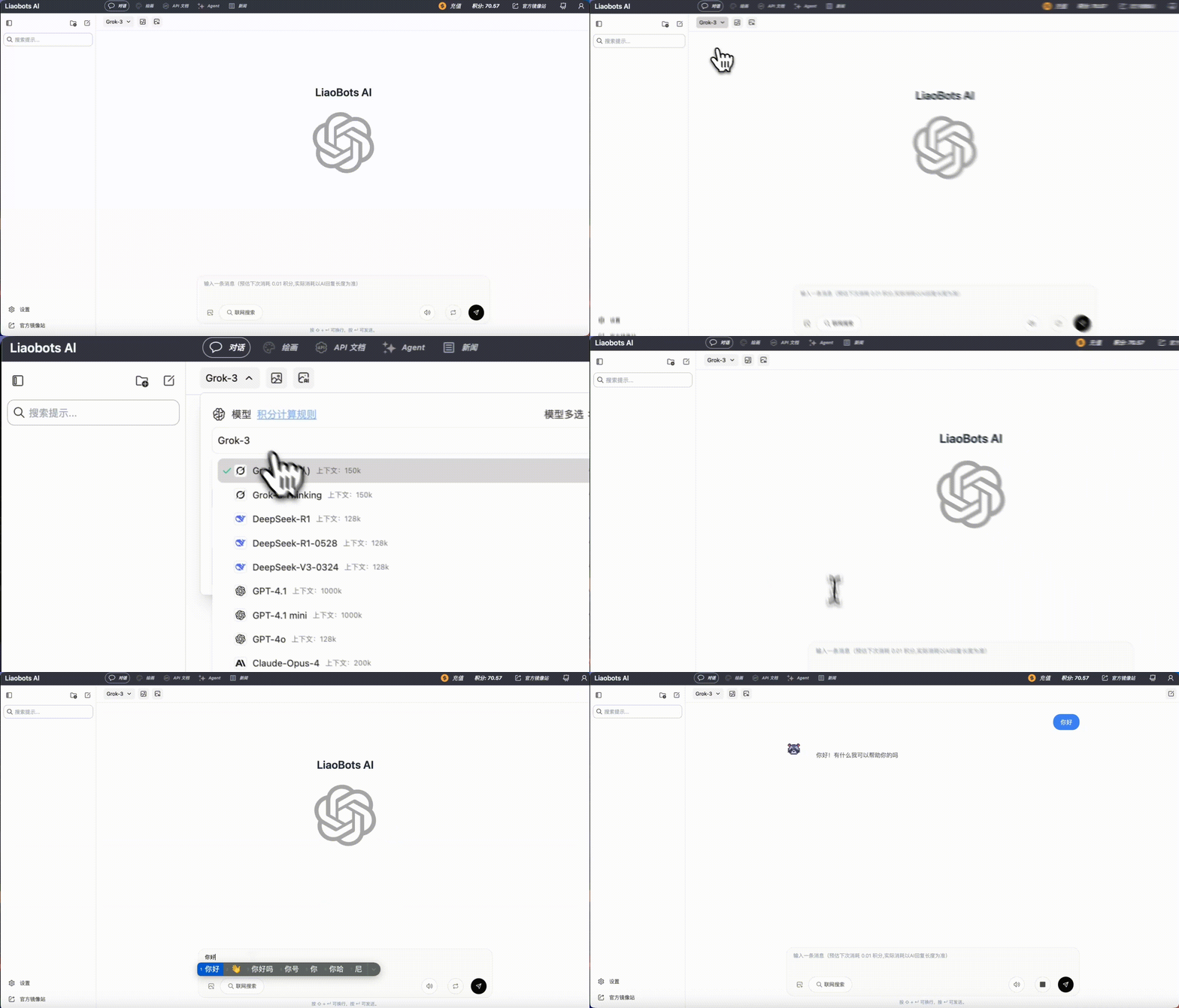
Select the model you need to use in the top left corner, then enter your content in the dialog box to start chatting with AI
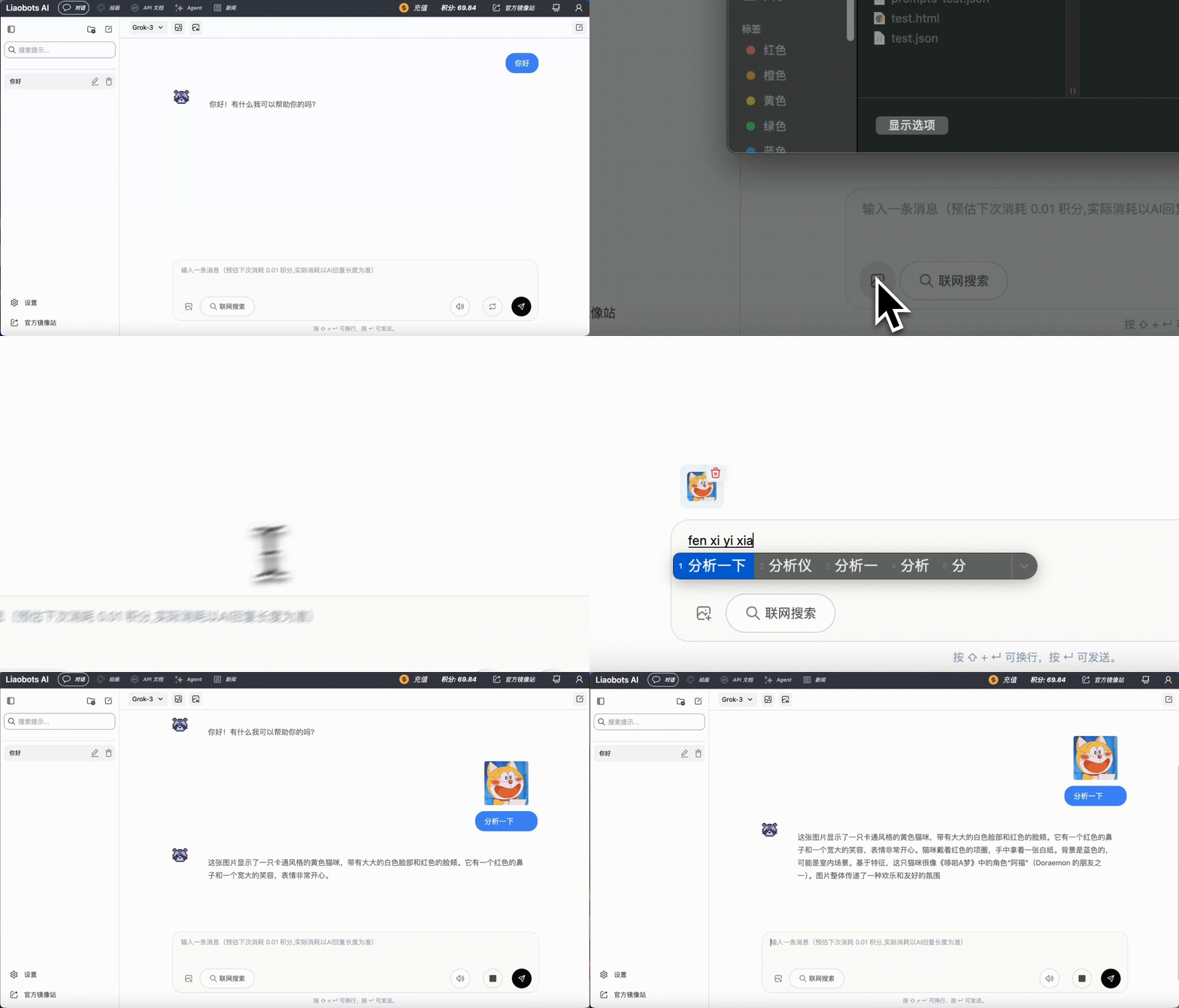
 Some models that support multimodal capabilities can upload images for visual analysis
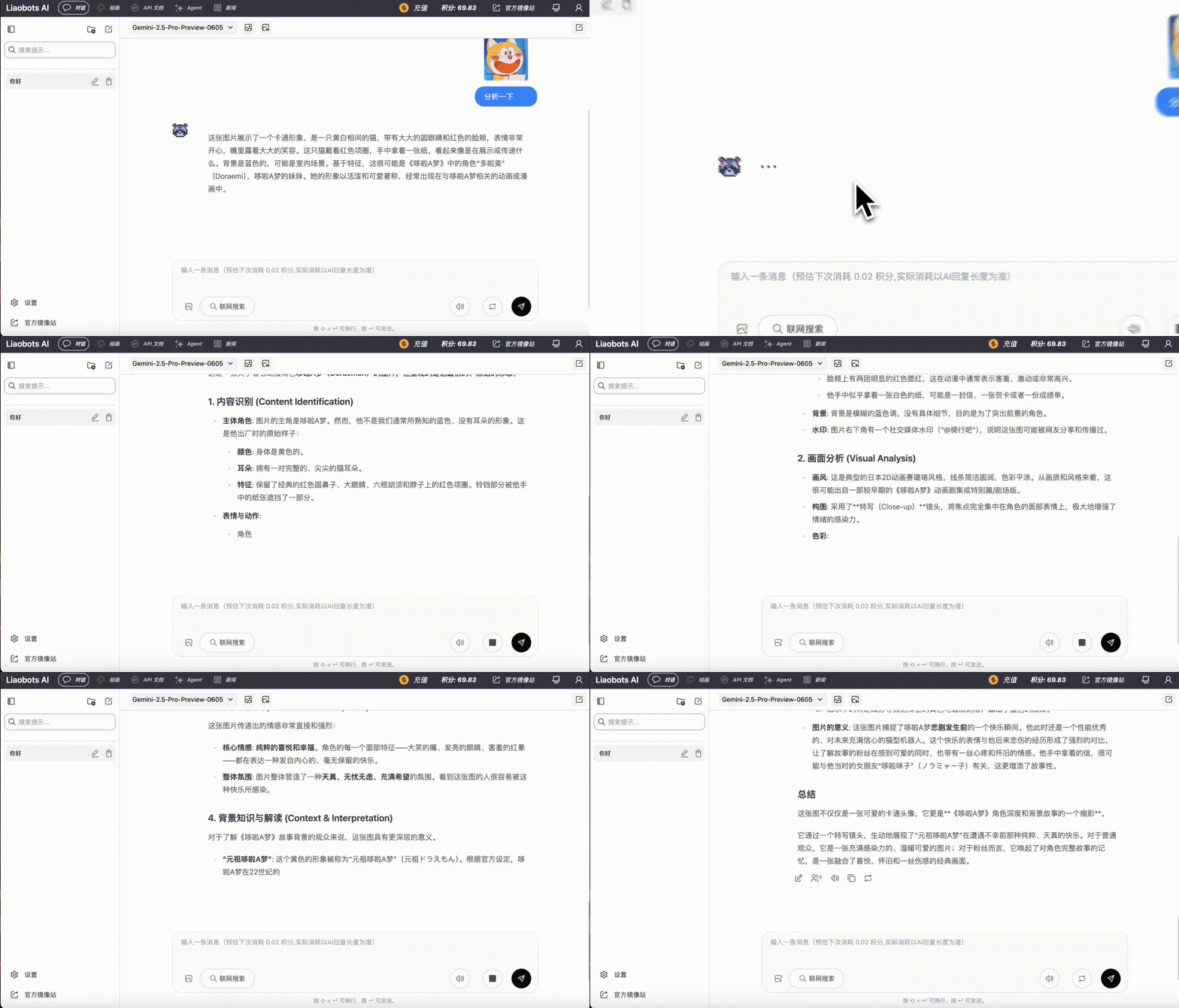
 For replies you're not satisfied with, you can click the refresh button to resend the request
 Models themselves cannot access the internet, so their sense of time stays at the **knowledge cutoff date**
After enabling the internet function, models can access the latest information on the web. We also support directly entering URLs to let AI analyze specific webpage content
Models themselves cannot access the internet, so their sense of time stays at the **knowledge cutoff date**
After enabling the internet function, models can access the latest information on the web. We also support directly entering URLs to let AI analyze specific webpage content
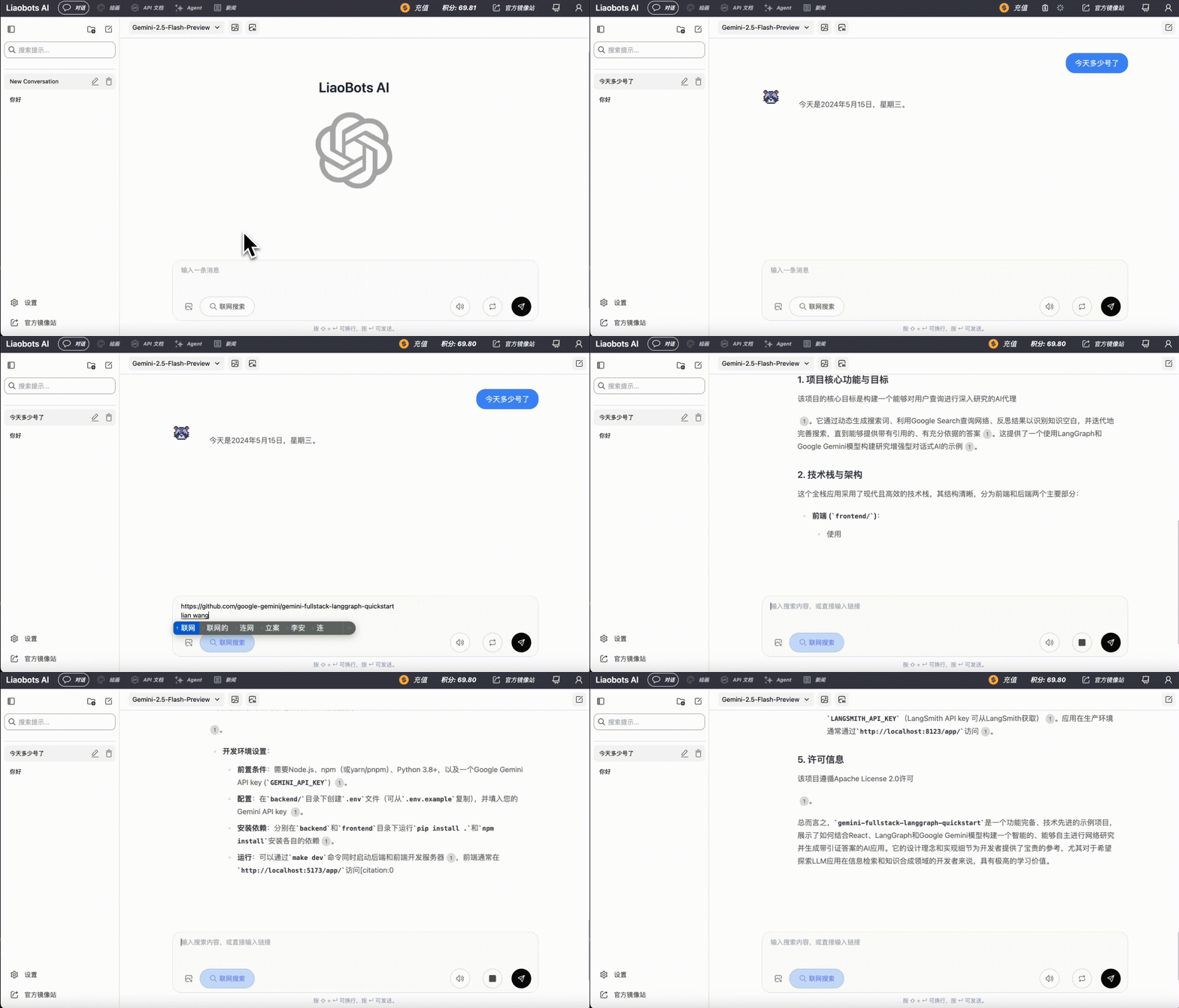 After some tasks are completed, you can click the icon in the top right corner to start a new conversation
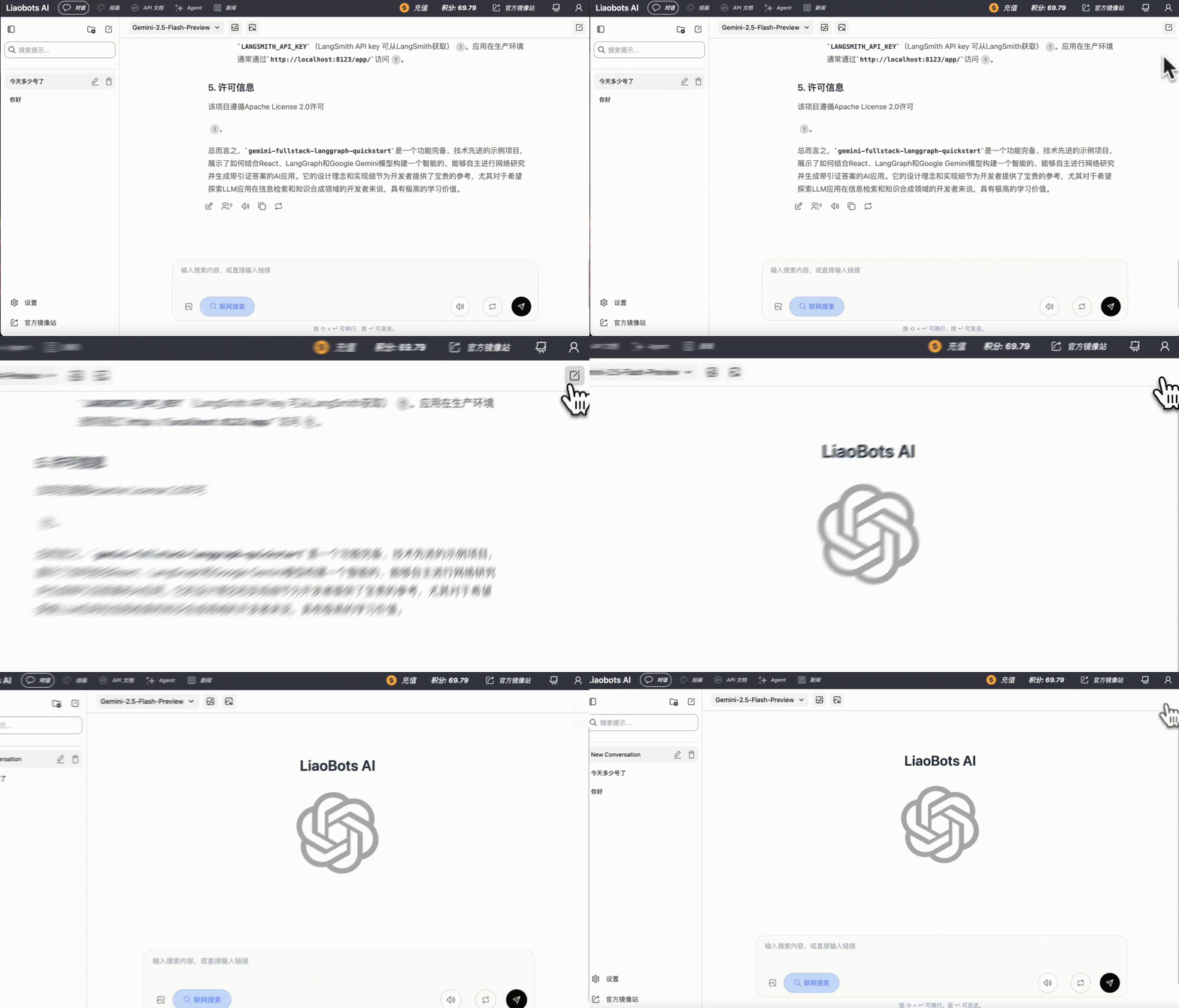 You can see all previous chat history in the left sidebar
> By **entering keywords** in the search box, you can quickly locate the corresponding history records
>
> You can also **rename** or **delete** any record
>
> You can also **create a new folder** to categorize and manage your chat records
You can see all previous chat history in the left sidebar
> By **entering keywords** in the search box, you can quickly locate the corresponding history records
>
> You can also **rename** or **delete** any record
>
> You can also **create a new folder** to categorize and manage your chat records
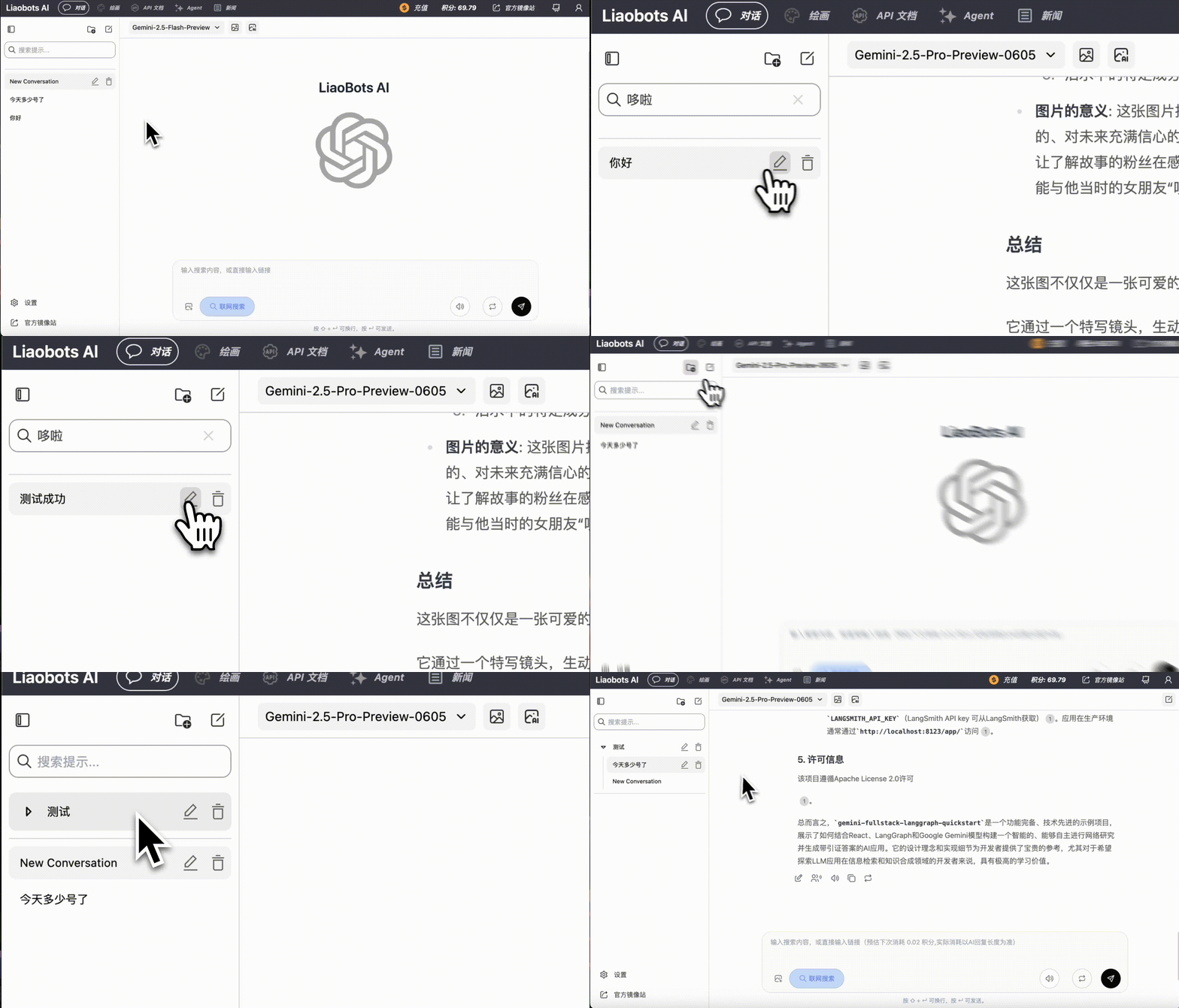 For user privacy, chat records are saved locally in your browser by default
However, since local browsers have strict storage space limitations, we recommend that you choose at least one method for backup
### Cloud Sync
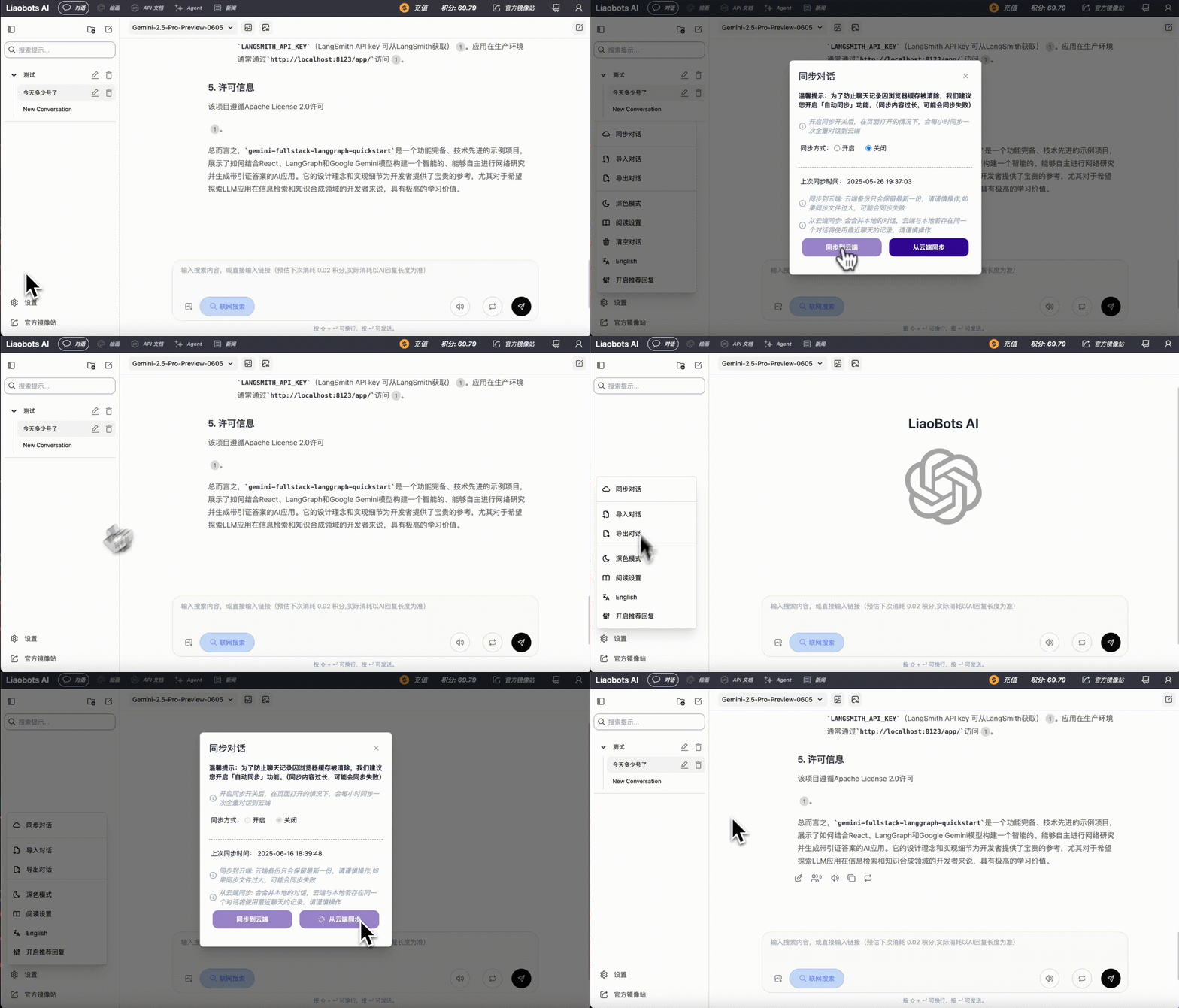
After clicking the sync conversation button, in the popup menu, you can choose to **manually sync to cloud**, or enable **auto sync**
After enabling auto sync, chat records will be fully synced to the cloud once per hour
For user privacy, chat records are saved locally in your browser by default
However, since local browsers have strict storage space limitations, we recommend that you choose at least one method for backup
### Cloud Sync
After clicking the sync conversation button, in the popup menu, you can choose to **manually sync to cloud**, or enable **auto sync**
After enabling auto sync, chat records will be fully synced to the cloud once per hour
 ### Local Backup
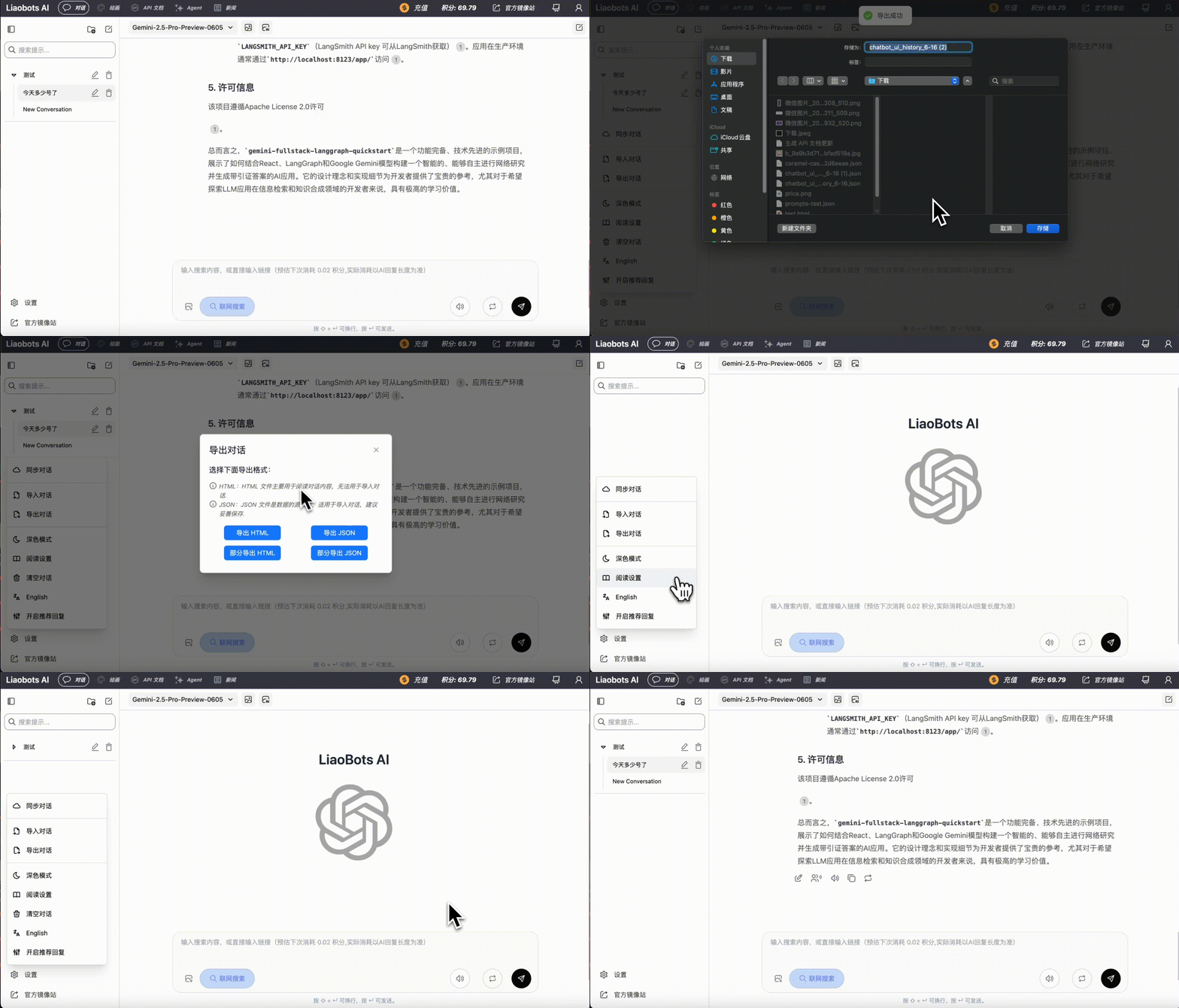
Click **Export Conversation** to manually backup conversations to local. You can freely choose **json** or **html** format
### Local Backup
Click **Export Conversation** to manually backup conversations to local. You can freely choose **json** or **html** format
 ### Account Information & Referral Rewards
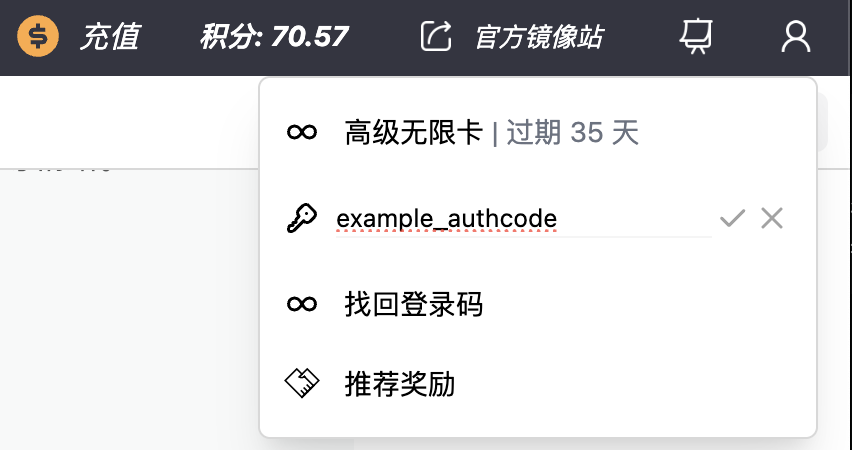
In the top right corner, you can access account information, including **Login Code**, **Credit Balance**, **Unlimited Card** remaining time, and **Referral Rewards**
You can observe your account information in real-time in the top right corner
### Account Information & Referral Rewards
In the top right corner, you can access account information, including **Login Code**, **Credit Balance**, **Unlimited Card** remaining time, and **Referral Rewards**
You can observe your account information in real-time in the top right corner
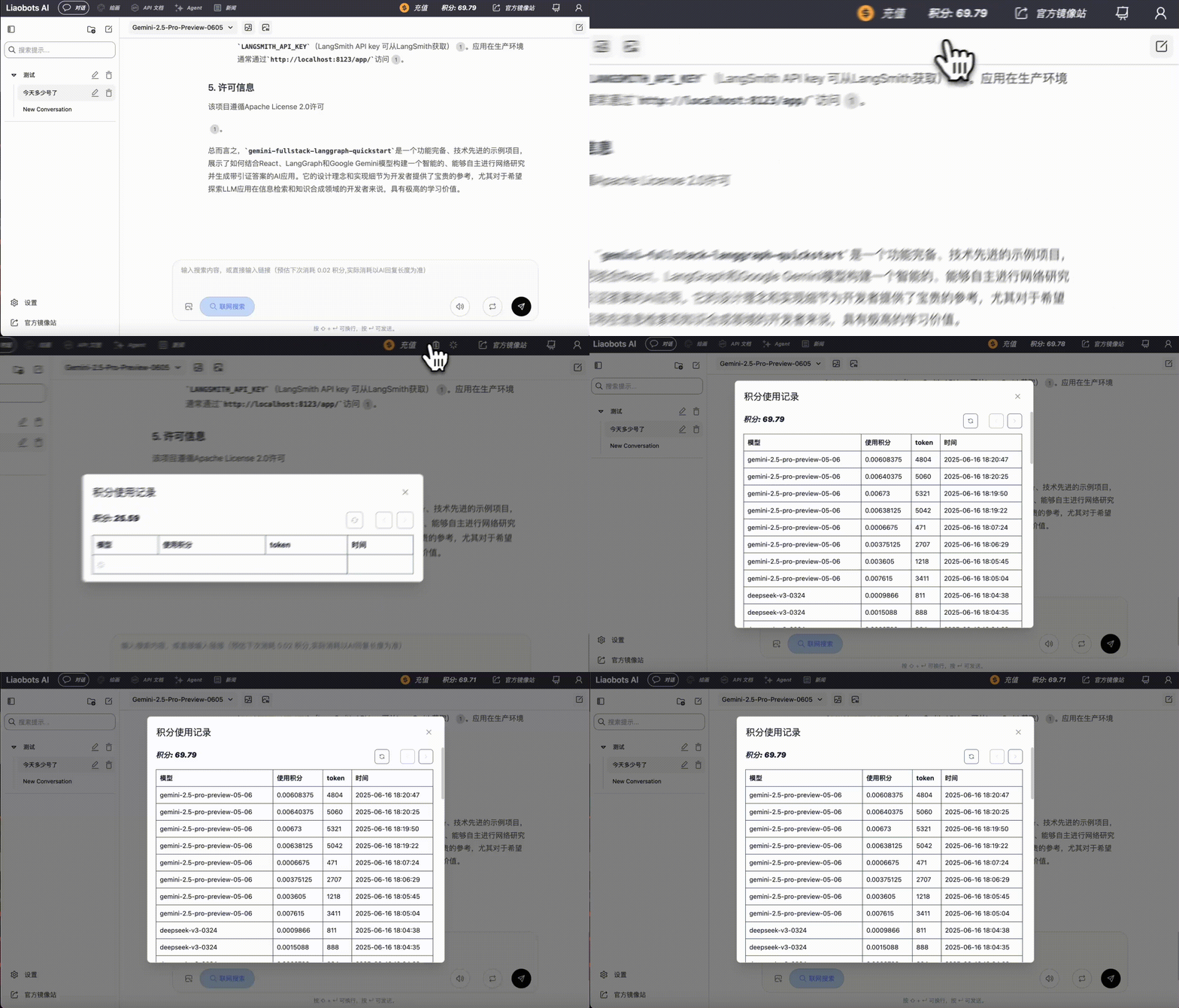
 Click on the **Credits** position to see your credit consumption details in the popup window. If you have any questions, please join our user group to contact customer service
 Login Code is your only credential for using this platform. Please do not disclose it to others. If lost, you can only use the Merchant Order Number in the payment information to retrieve it. Therefore, be careful not to disclose payment information to others
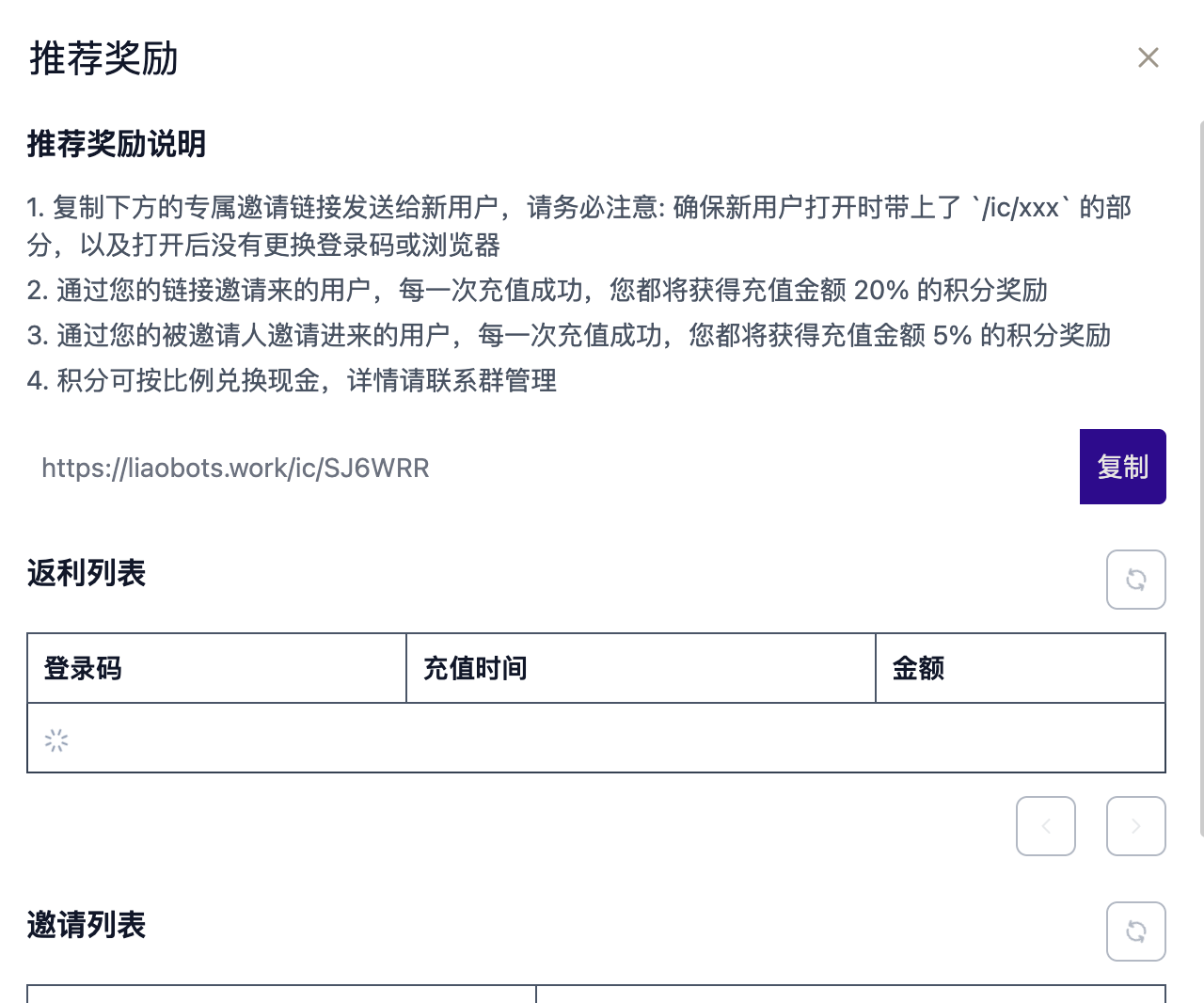
You can click **Referral Rewards**, then copy your own **Referral Link** to invite new users to join us
**20%** of each recharge amount from invited users will be returned to you in the form of credits
Users they invite will also return **5%** credits to you
Login Code is your only credential for using this platform. Please do not disclose it to others. If lost, you can only use the Merchant Order Number in the payment information to retrieve it. Therefore, be careful not to disclose payment information to others
You can click **Referral Rewards**, then copy your own **Referral Link** to invite new users to join us
**20%** of each recharge amount from invited users will be returned to you in the form of credits
Users they invite will also return **5%** credits to you
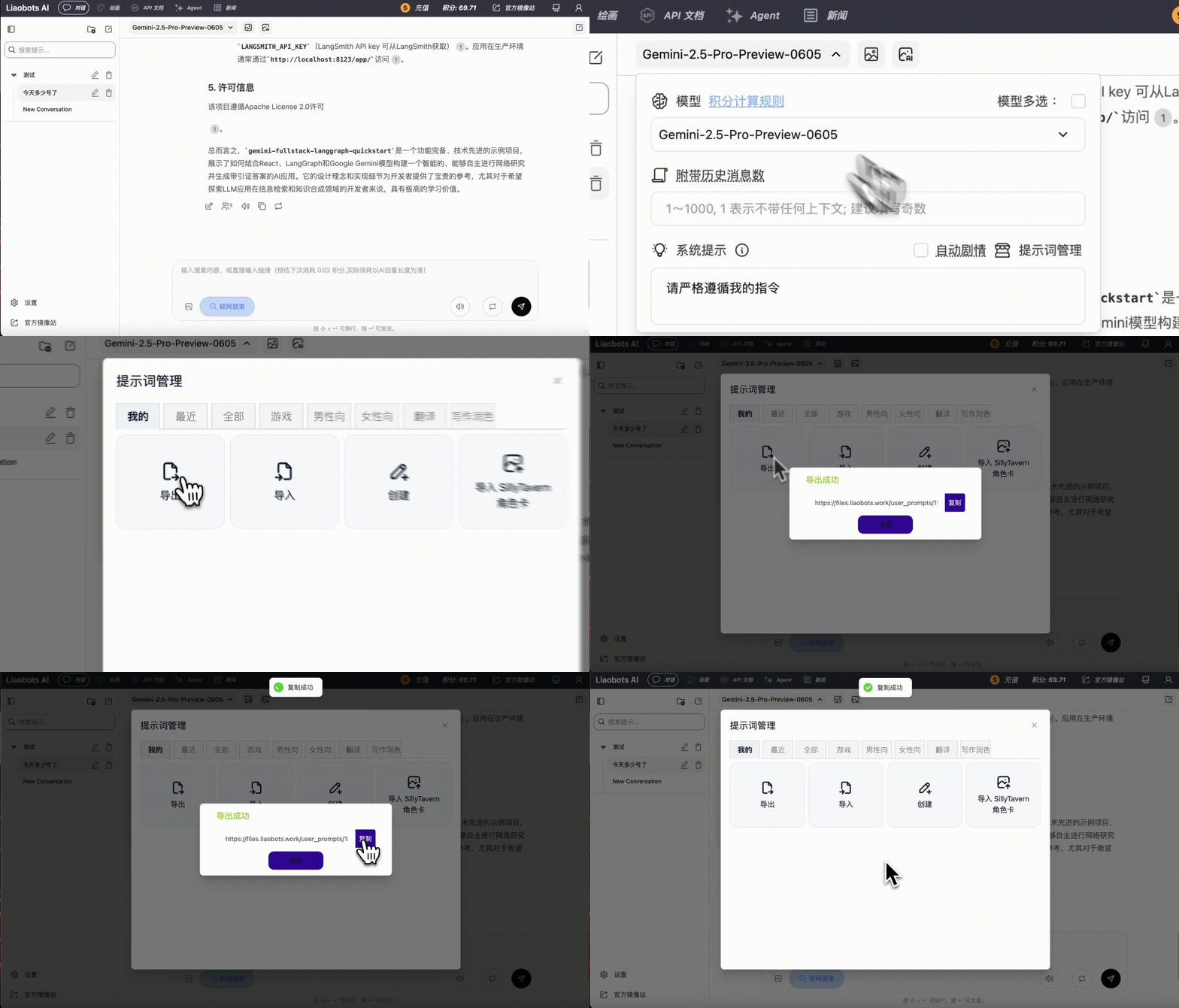
 We support AI community communication. You can share prompts you've created with others