

Preparation
Claude Code billing method is synchronized with official. For price ratio, please refer to Models & Pricing. For API addresses and backup URLs, see API Call ExamplesProcess
1
Step 1
Verify Node.js Installation
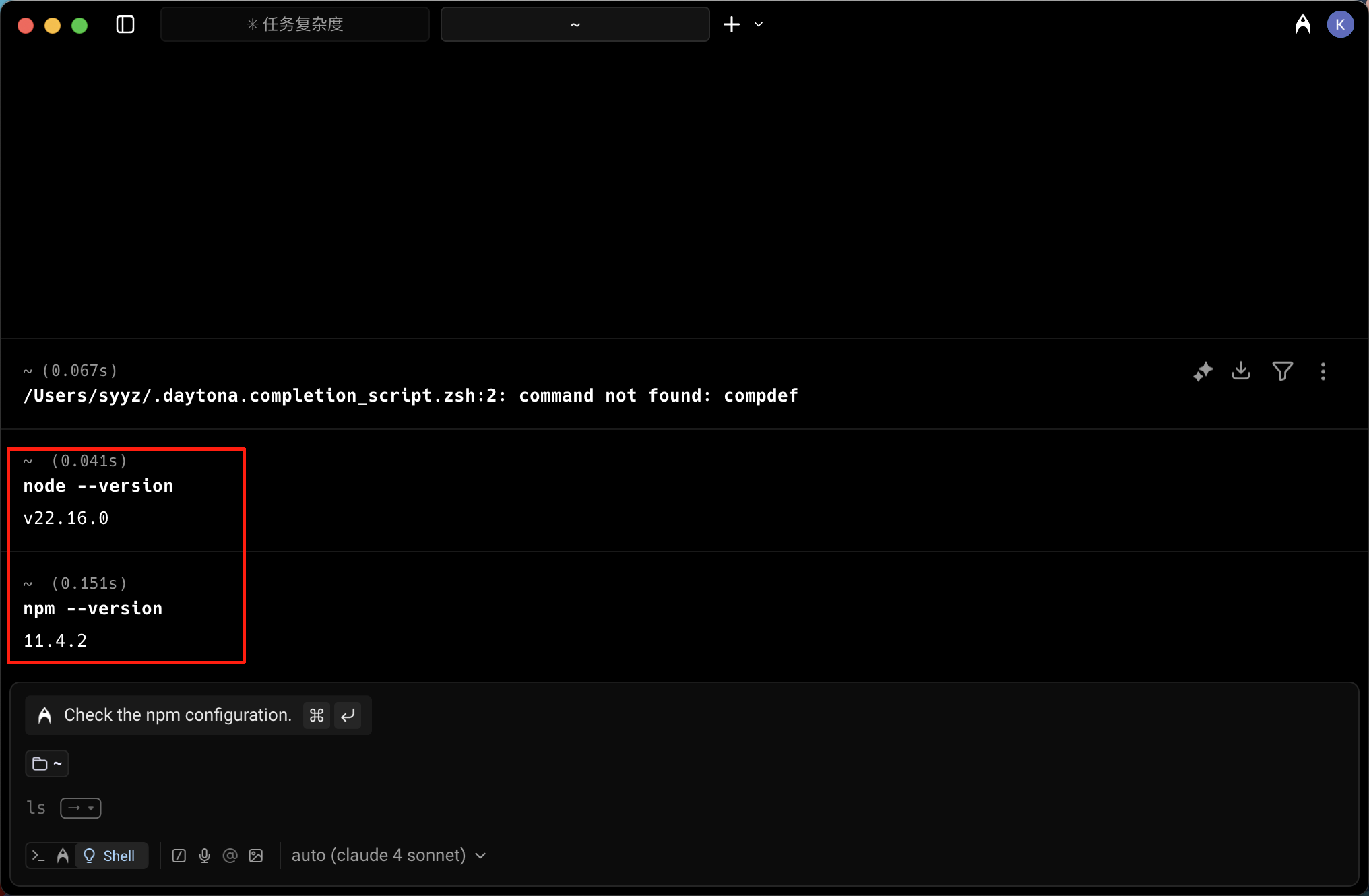
Open terminal and enter
node --version and npm --version to verify Node.js installation
If you see a version number like v22.16.0, proceed to the next step. Otherwise, please download from the official website https://nodejs.org/en/download/2
Step 2
Install ClaudeCode
Open terminal and enter
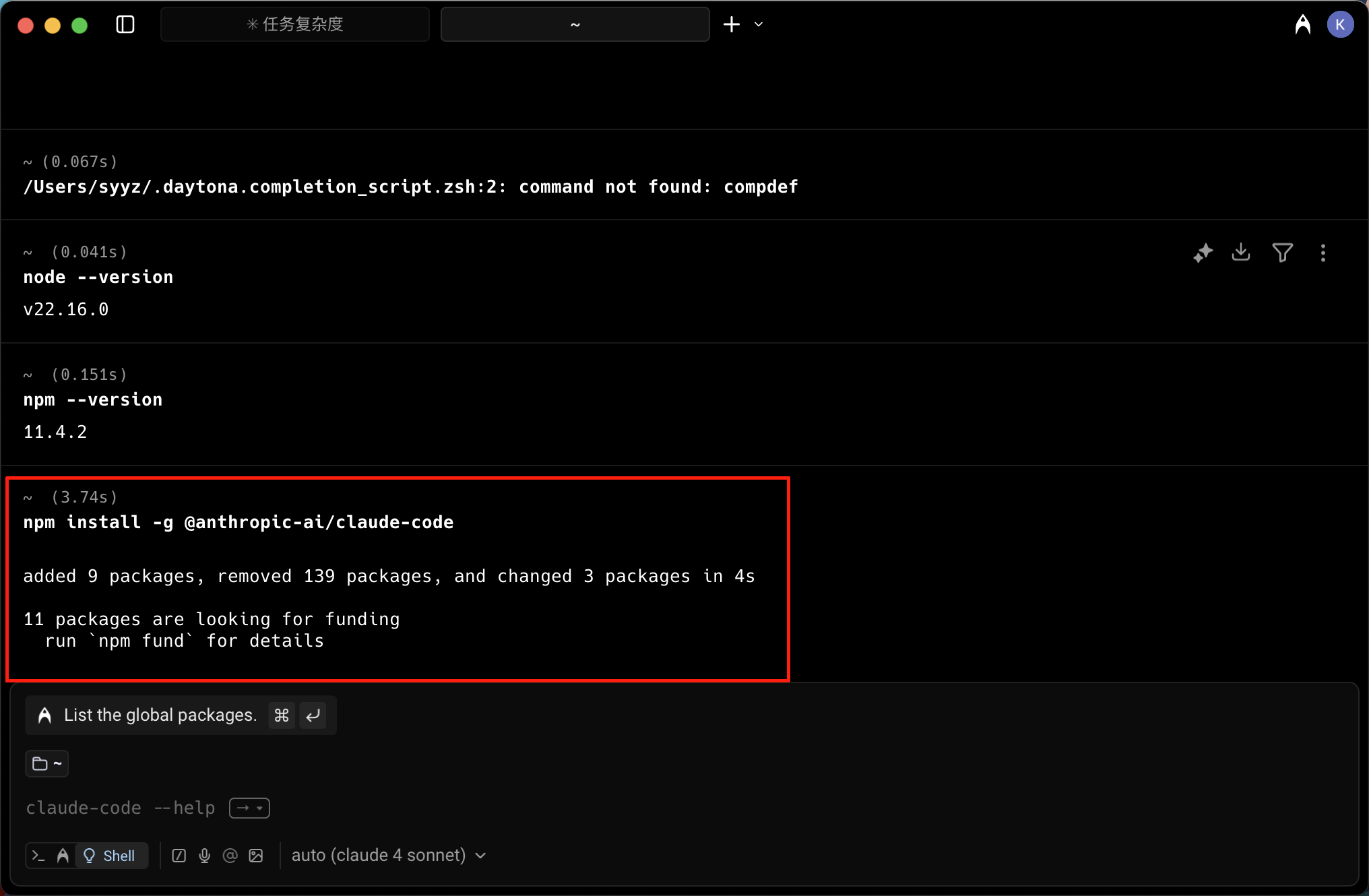
npm install -g @anthropic-ai/claude-code to install ClaudeCode globally
If you see the prompt as shown in the image, it means installation is successful3
Step 3
Create Configuration File
Create the After saving, ClaudeCode is ready to work
~/.claude/settings.json file with the following content, replace Your Authcode with your actual auth code:4
Step 4
Start ClaudeCode
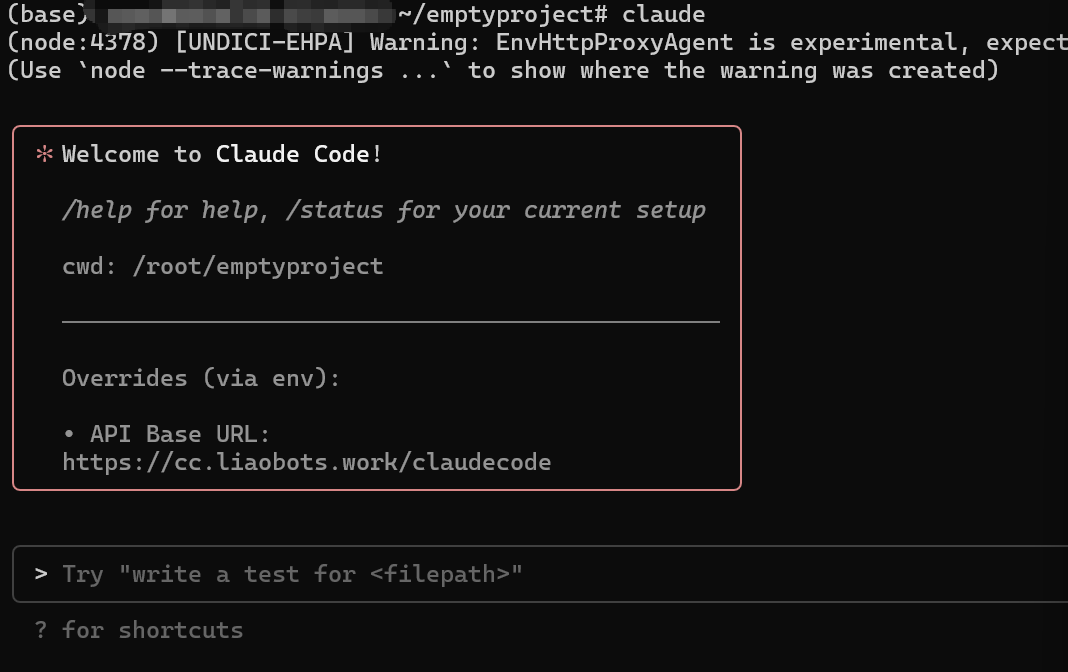
Use the cd command to enter the project folder you want to edit, enter
claude to start ClaudeCode, and then you can start chattingSwitching Models (Claude / GLM-5.2)
This line currently supports Claude models and GLM-5.2. By default ClaudeCode uses Claude models. To switch to GLM-5.2, simply addANTHROPIC_MODEL (main model) and ANTHROPIC_SMALL_FAST_MODEL (background lightweight tasks) to the env in settings.json:
ANTHROPIC_SMALL_FAST_MODEL is used for background lightweight tasks such as title generation; keep it the same as the main model, otherwise the background will still call the default Claude model. GLM-5.2 is billed at its own price, consistent with the main site — see Models & Pricing.